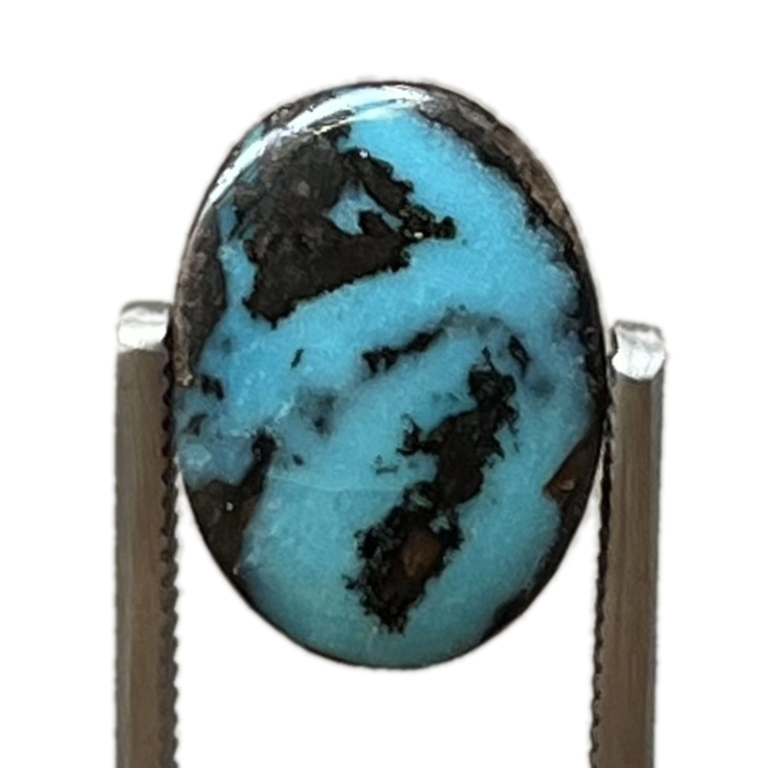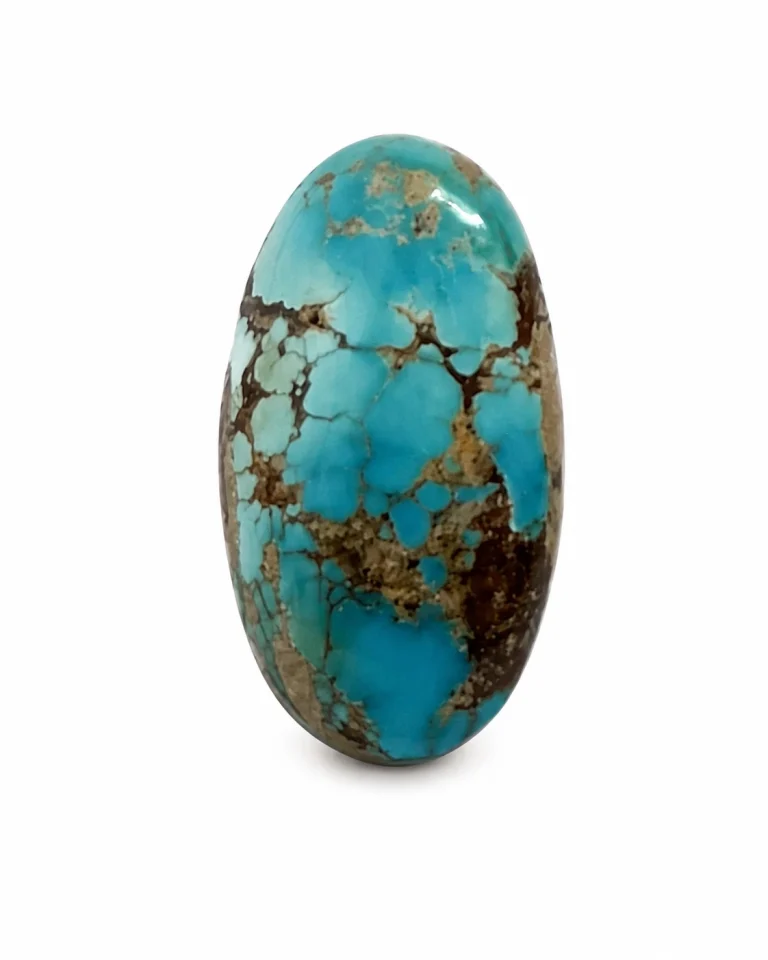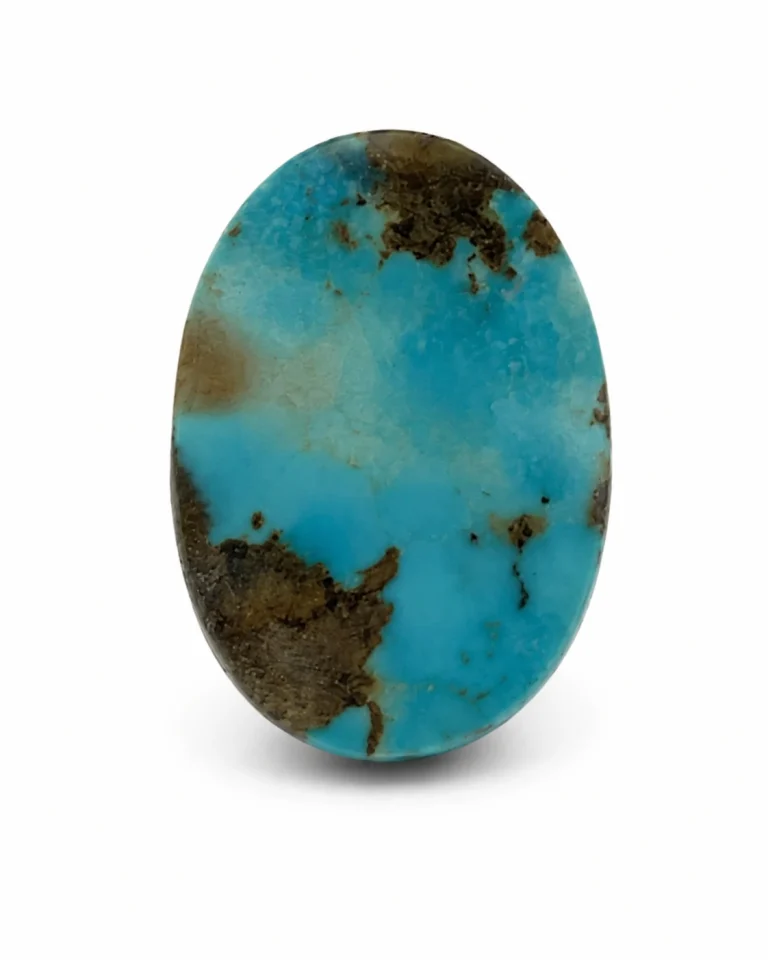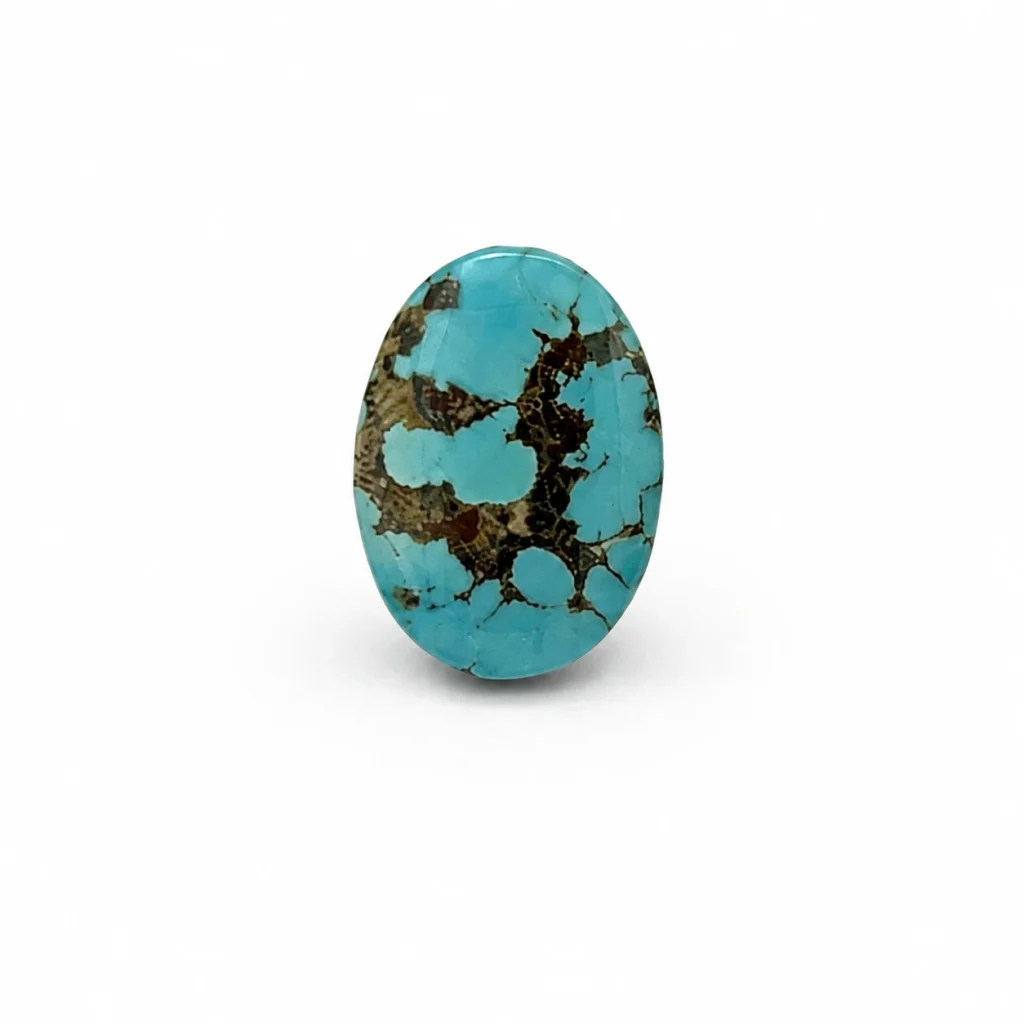
How can you photograph turquoise with a phone so a growing collection stays easy to compare? Use one repeatable setup, keep the original files, and make a consistent set of views for every identified stone. A phone can produce useful catalogue photographs, but no image should be treated as proof of a stone’s origin, treatment, authenticity, or quality.
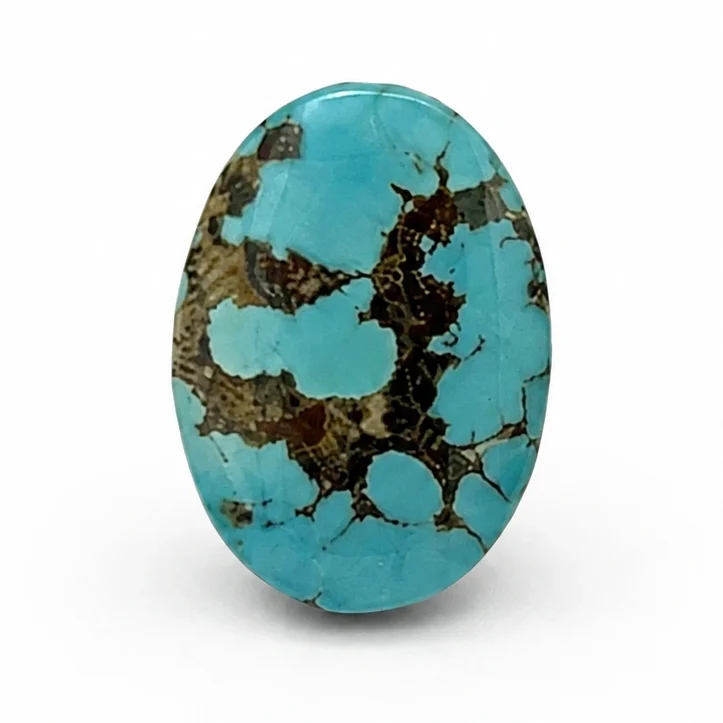
Start with repeatability, not expensive equipment
The most useful improvement is usually a controlled setup that you can reproduce—not a new phone. The Gemological Institute of America (GIA) notes that a high-resolution smartphone can make professional-looking gem photographs when used with suitable techniques. Its gem-photography guidance recommends one colour temperature at a time and diffused light to soften shadows and make illumination more even. These are general photography principles; your finished image still needs to be checked against the physical stone under neutral viewing conditions.
Choose a clean, matte, neutral background and a stable table. Use one consistent light source, or soften it through translucent white material placed safely between the light and the stone. Do not mix daylight from a window with a differently coloured room lamp. Keep the phone steady on a simple stand or support, clean its lens, and avoid digital zoom where moving the phone closer can preserve more detail.
A simple phone workflow for each stone
- Identify before photographing. Put one stone at a time on the work surface. Keep its existing Stone ID and record beside the station, not loose among other gems. Never assign identity from visual resemblance.
- Set the scene once. Keep the same background, light position, phone support, camera lens and approximate distance for the batch. Make a test frame, then check focus, exposure and whether the surface has distracting glare.
- Capture the face. Place the camera square to the face for a useful record view. Tap the stone to focus; if your phone permits, lock focus and exposure so the camera does not make every frame differently bright. Avoid filters and portrait effects.
- Capture complementary views. Photograph the reverse and profile when available. A face view helps show the visible pattern; a profile can show the outline and dome; a reverse view documents the other side. Do not imply that every stone has identical angles or features.
- Show scale separately. Record exact measurements in the product record using the approved measuring process. If you make a scale photograph, keep the ruler beside the stone without covering it, and do not use perspective-heavy angles to make the gem look larger.
- Check the files before moving on. Confirm that each image is sharp, belongs to the correct Stone ID and has not clipped the edge. Retake a blurred or confusing frame while the stone is still identified at the station.
Keep colour honest
Phone screens, lighting, automatic white balance, exposure and image processing can all change how turquoise appears on screen. GIA’s guidance supports controlling the light and avoiding mixed colour temperatures; it does not mean a phone image can guarantee a perfect colour match on every display.
Keep an untouched original. For a web copy, limit edits to consistent cropping, rotation and file-size optimisation. Avoid selectively changing hue, saturation, contrast or local areas of the stone. If the image still does not look representative, correct the lighting and retake it instead of fixing the gem’s colour in an editor. A photograph is a visual reference, not a gemological test.
Use a naming and review routine that scales
With a one-of-one inventory, the hand-off between camera and catalogue matters as much as the picture. Use the Stone ID already assigned by the business, keep the original and web-ready copy together in an organised workflow, and use view names consistently—for example, front, reverse and profile. Do not invent a new identifier from the filename or change the PIM record to match an image.
Before a batch is uploaded, review it at thumbnail size and at full size. At thumbnail size, check that the collection grid feels consistent; at full size, check focus, edges, glare and visible detail. Compare only images made under the same setup, and use each product’s approved media set as the authority for its page. Consistency makes browsing easier; it does not make two different stones equivalent.
What a photograph cannot prove
Colour, matrix pattern and a clean photograph cannot by themselves establish mine origin, treatment status, authenticity, grade, durability or value. Those claims need the appropriate current product record and, where a buyer requires a gemological conclusion, suitable independent testing. Do not add a provenance or untreated claim because it seems to match the appearance.
For buyer-facing guidance, read NEYFI’s visual checklist for reading turquoise photos online. For a current example of an individual item page, compare this workflow with the NEYFI 1016 stone record. Its current published page—not an image alone—is where its listed details and availability should be checked. Browse NEYFI Collections to see the current selection.
Quick checklist
- One identified stone at the photography station.
- One repeatable background, phone position and colour temperature.
- Soft, even light; stable phone; clean lens; sharp focus.
- Face, reverse and profile views where practical.
- Original files retained; edits do not alter the stone’s apparent colour or pattern.
- Images matched to the existing Stone ID and approved product record before upload.
Frequently asked questions
Can a phone photograph confirm where turquoise was mined?
No. A photograph can document visible appearance, but it cannot establish mine origin or treatment. Use the stone’s current record and suitable independent testing when a gemological conclusion is needed.
Do I need a special camera to begin?
Not necessarily. GIA notes that a high-resolution smartphone can make useful gem photographs with suitable technique. Begin with stable framing and controlled, diffused light before buying extra equipment.
How many views should I make?
There is no universal required count. Capture the face and, where practical, reverse and profile views that help a buyer understand the individual cabochon. Do not imply that an unavailable angle has been documented.
Related design guides
To use comparable views in a design brief, read how to choose turquoise cabochons for earrings or the turquoise brooch guide to profile and balance. The photography workflow supports comparison; the exact stones and settings still need their own review.
Sources
- Gemological Institute of America, How to Photograph Gems & Jewelry
- Gemological Institute of America, Jewelry and Gem Photography Tips Using a Cell Phone or Tablet
From the field notes
See the stones behind the material.
A field note is the beginning. Compare individual Neyshabur stones with their own documentary images, Stone IDs and EUR availability.